
Anime
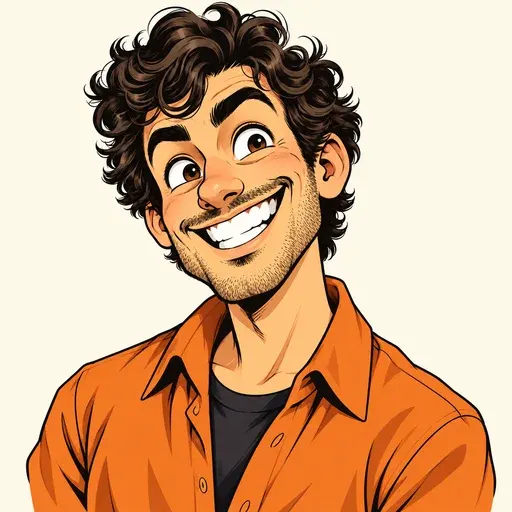
Clean contours and cel shading give this Caricature AI portrait an animated look. Compare the eyes and smile with the other five styles.
Use this styleUpload your photo, pick a style, and create a playful portrait for your profile, your career, or a gift.
No sign-up needed · Choose your own style
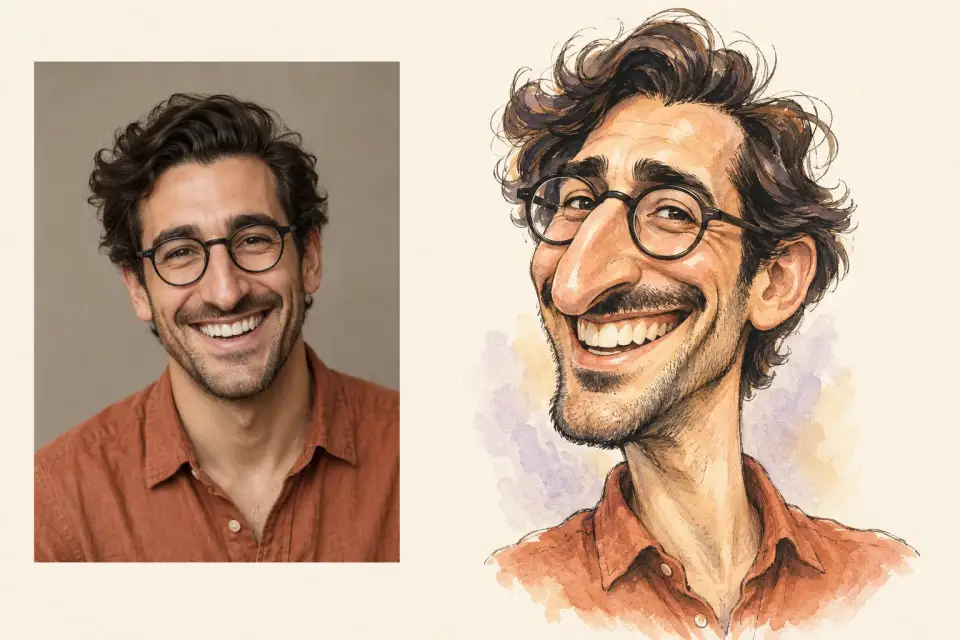
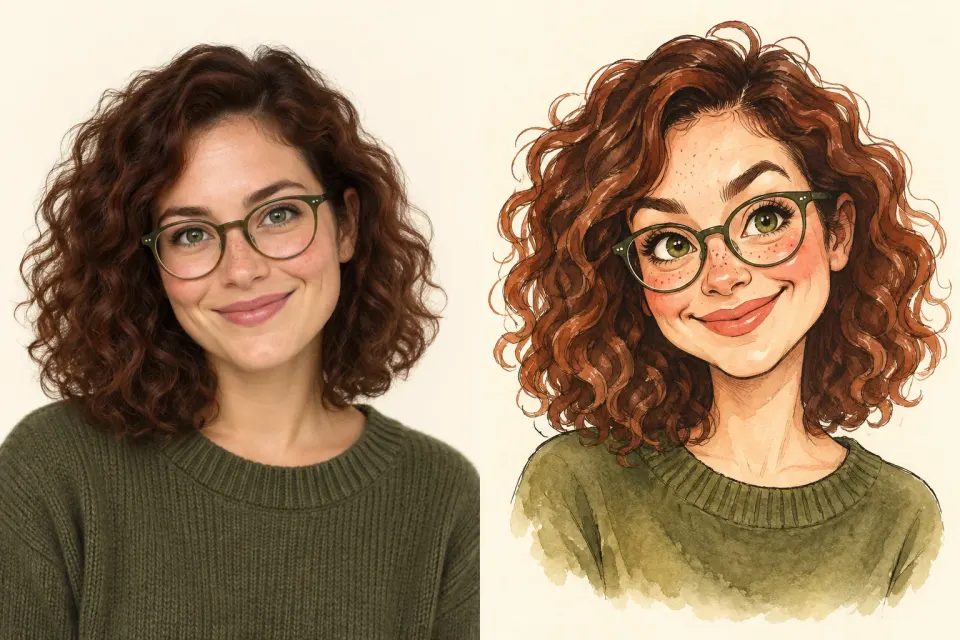
A good caricature amplifies your expression while keeping the details that make you recognizable. Compare the face shape, glasses and hairstyle before choosing how far to push the exaggeration.
Use a clear portrait with visible eyes, hair and distinctive accessories. Ask Caricature AI to preserve those features while exaggerating the smile or eyebrows.
Add “gentle exaggeration” for an everyday avatar, or request a larger head and a bolder expression for a playful gift. Check likeness before adding more props.
A head-and-shoulders composition works well for one person. Include both faces clearly for a couple portrait, and leave margins around hair, glasses and hats.
One character, six Caricature AI styles. Compare how linework, proportions and materials change the look, then explore all 12 styles in the tool.
Clean contours and cel shading give this Caricature AI portrait an animated look. Compare the eyes and smile with the other five styles.
Use this style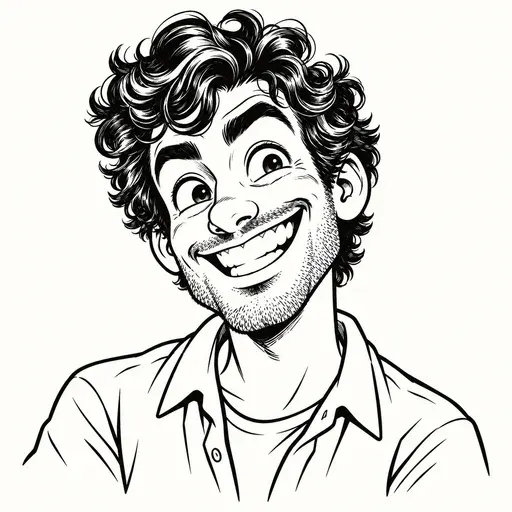
Black ink contours highlight the same face without color. This Caricature AI look suits a simple avatar or a graphic portrait card.
Use this style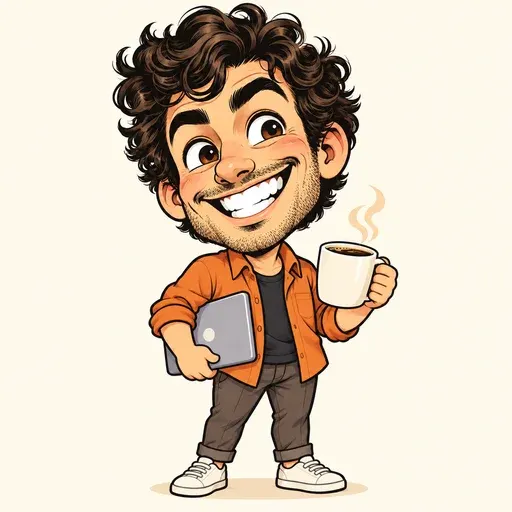
A large head and tiny body turn a Caricature AI portrait into a playful character. Keep personal details such as hair and a favorite outfit.
Use this style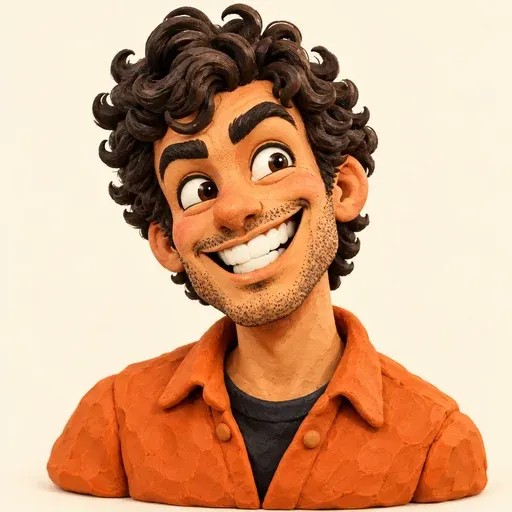
Fingerprints and uneven sculpted surfaces create a handmade clay look. Soft light brings out the curls, eyebrows and exaggerated smile.
Use this style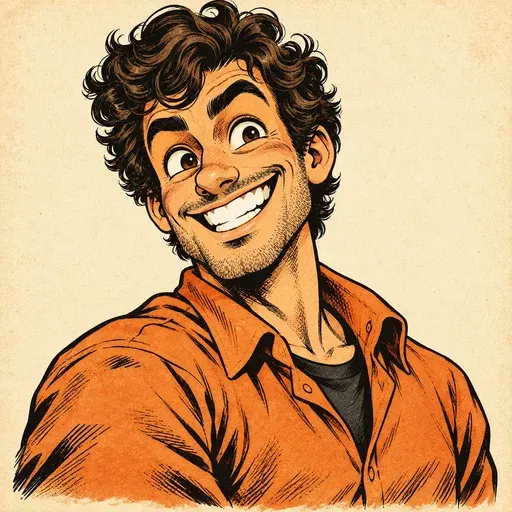
Crosshatched shadows and aged paper create a vintage comic portrait. The bold ink keeps expression readable even at a small size.
Use this style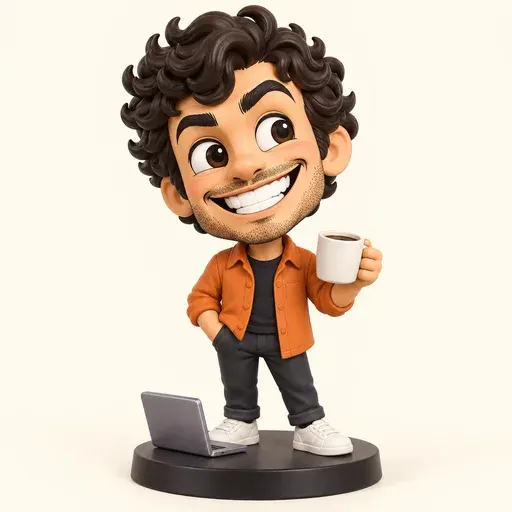
A small display base and painted vinyl finish give the portrait a collectible-figure look. Add one meaningful accessory for a personal gift idea.
Use this styleAI-generated style illustrations. Actual results vary by model and reference photo.
Start your Caricature AI portrait with a scene, then personalize the details. Each card loads an editable prompt, matching style and suggested frame. Upload a photo when the portrait should look like you.
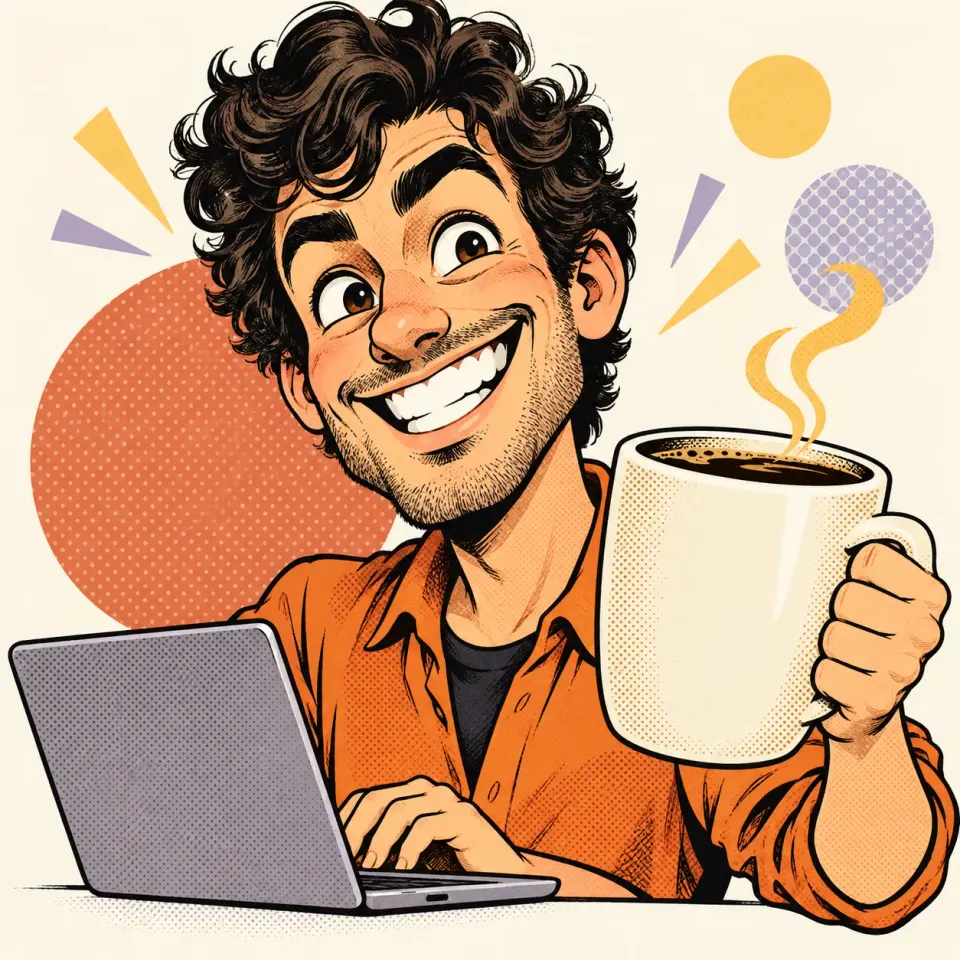
Replace the developer and laptop with your own profession and one or two recognizable tools. Keep the expression central.
Create a caricature of me as a software developer with a giant coffee mug and a laptop, with a joyful expression and sparse geometric accents behind me.
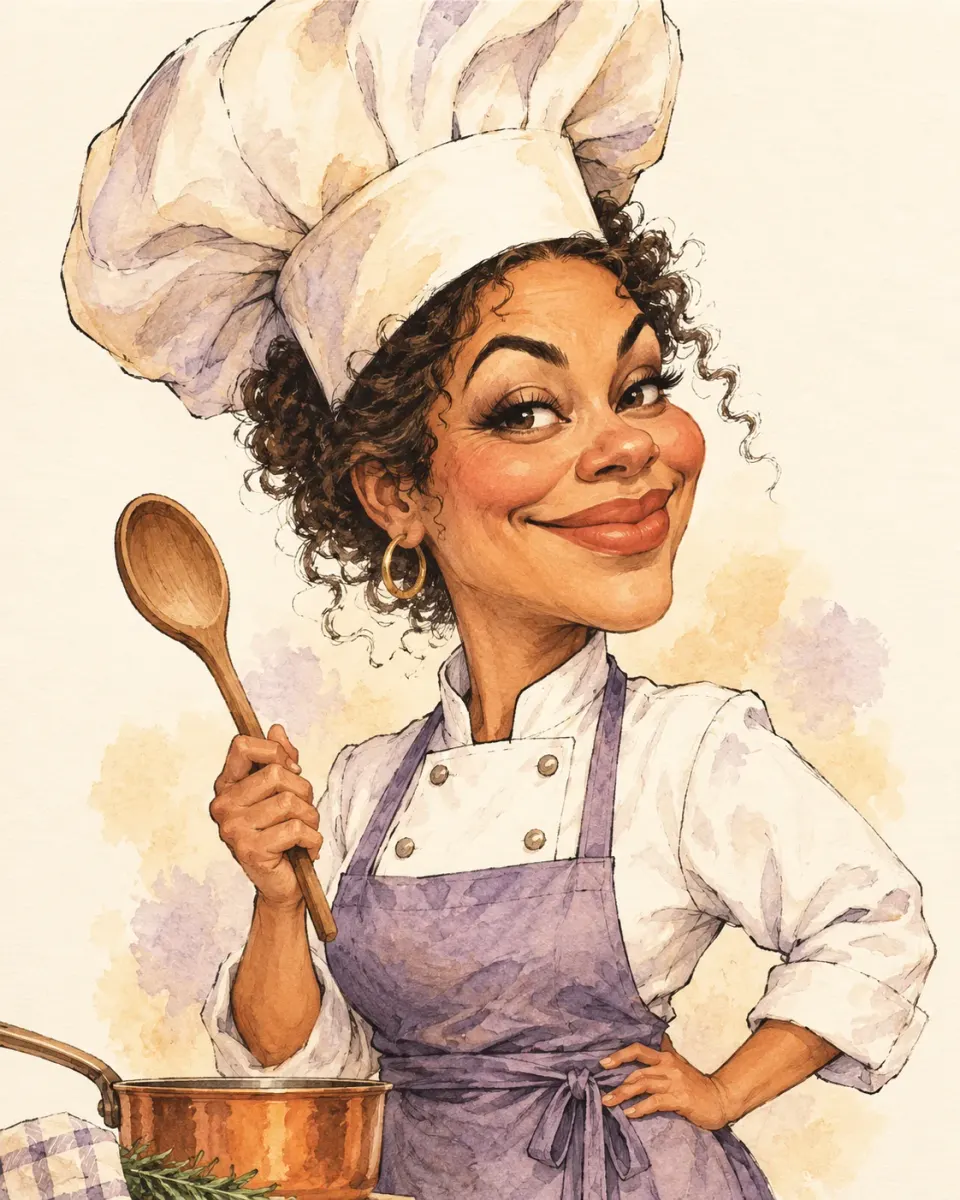
A tall chef hat and favorite utensil tell a food-loving story. Change the clothing or dish to make it personal.
Create a caricature of me as a cheerful chef with an oversized chef hat, white coat and lavender apron, holding a wooden spoon beside a small copper saucepan.
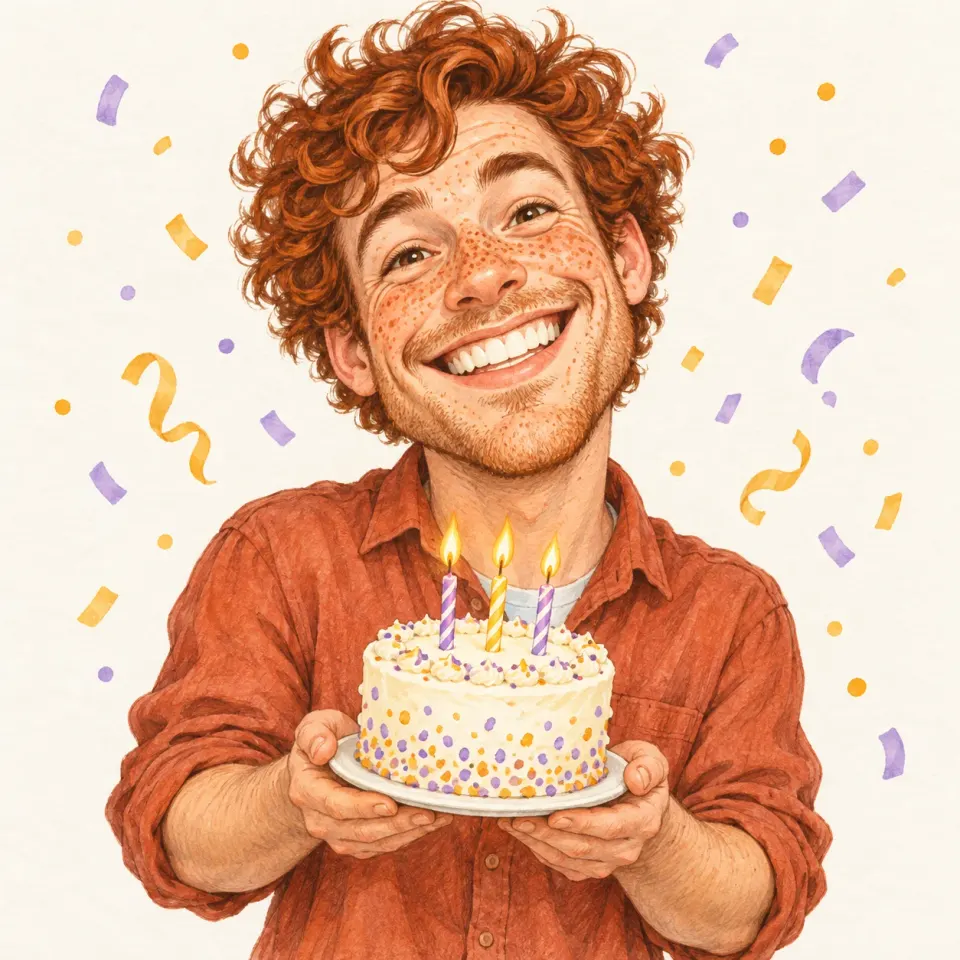
Add a favorite color or hobby to the cake and confetti. Put greeting text on the finished card separately.
Create a joyful birthday caricature of the person in the photo holding a small birthday cake with three candles, with playful confetti and a big smile.
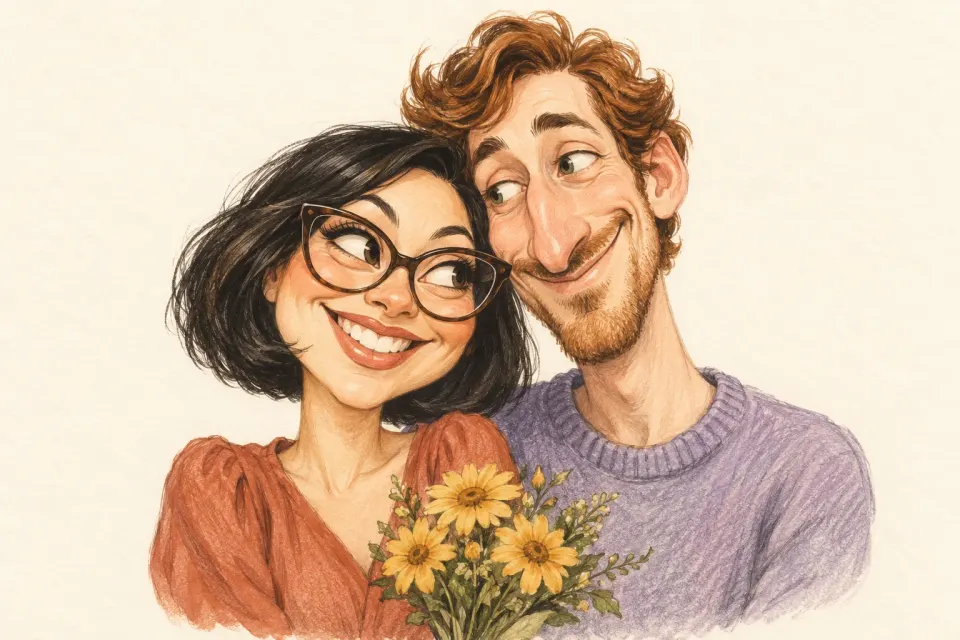
Upload both people in one photo. Name their individual accessories and include a shared detail instead of a crowded background.
Create a caricature of the two people in my photo leaning together, holding a small bouquet. Preserve both identities and keep both heads fully visible.
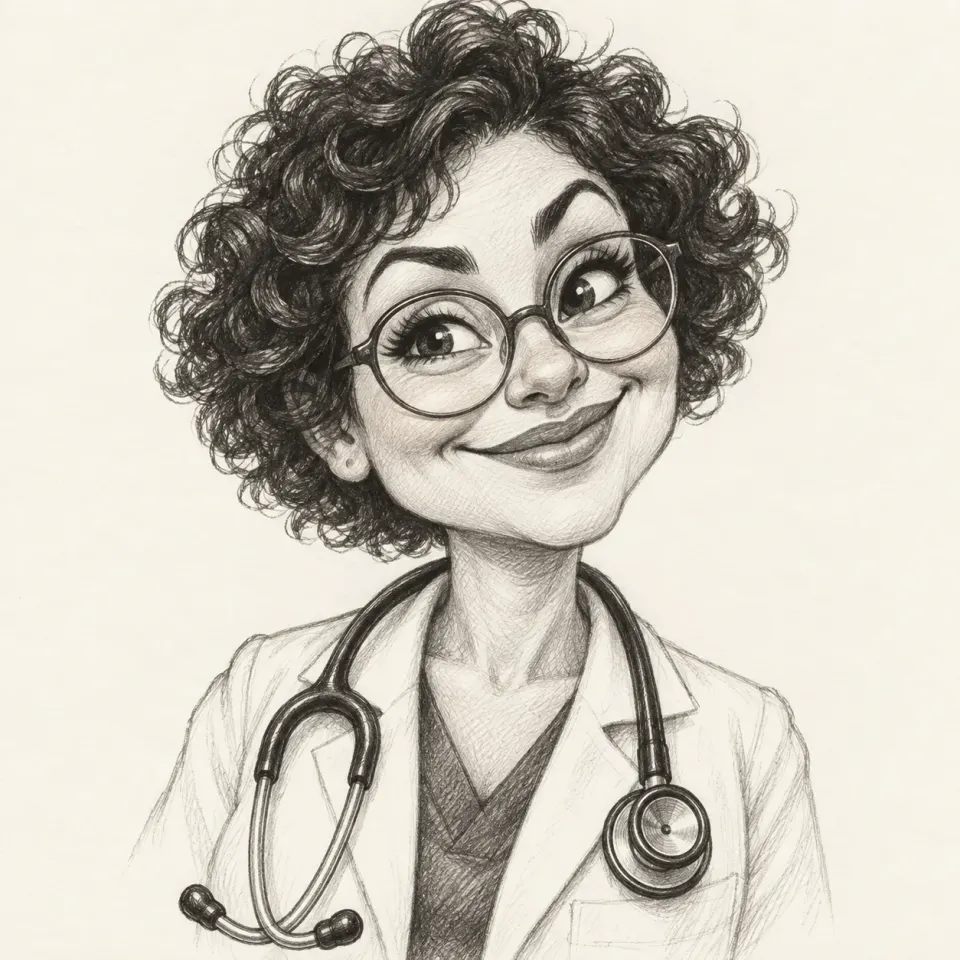
Use the photo to preserve hairstyle and glasses. A white coat and stethoscope suggest the profession without obscuring the face.
Create a friendly caricature of me as a doctor with a white coat, oversized stethoscope and a welcoming smile.
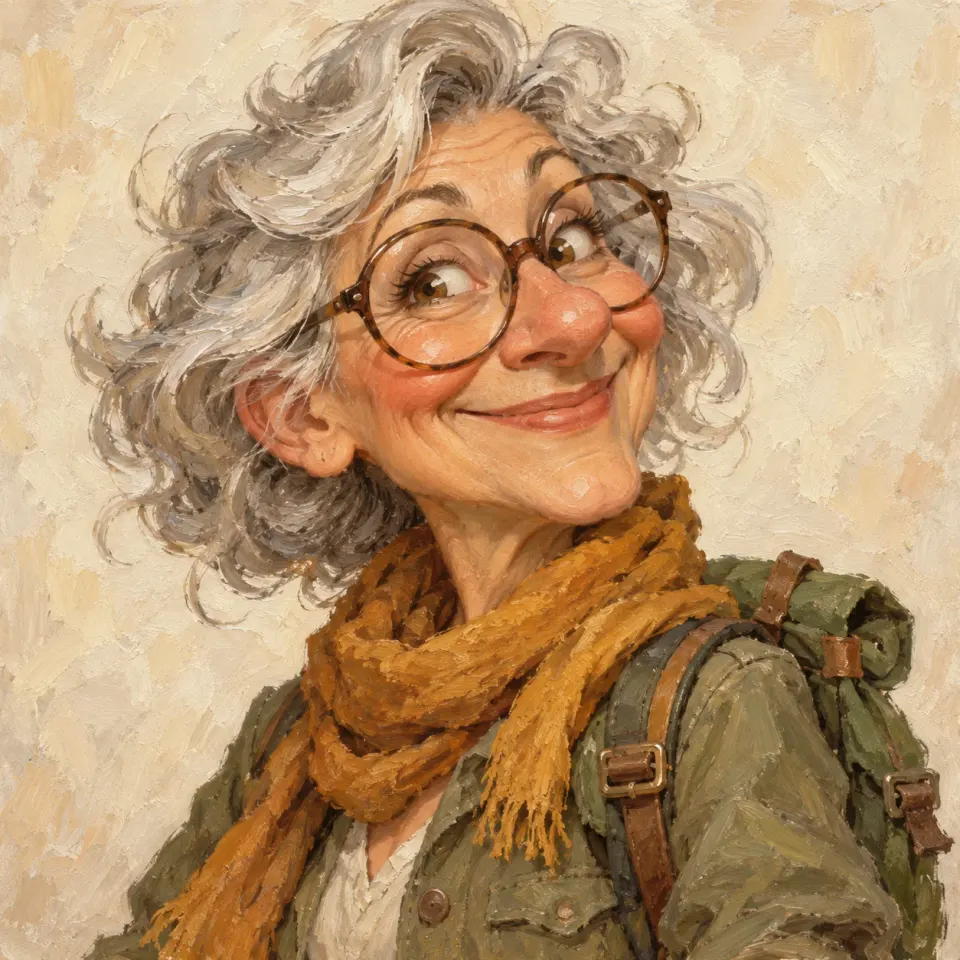
Change the backpack, scarf or setting to reflect a meaningful place. Warm oil textures give this portrait a keepsake feel.
Create a caricature of me as an adventurer wearing a green backpack and a warm scarf, with an expressive smile against a simple painted background.
The AI caricature generator is ready at the top of this page. Start with your photo, choose a creative direction and review the result. A custom prompt is optional when you upload a photo.
Upload a JPG, PNG or WebP under 10 MB to Caricature AI. Choose even lighting and a visible face. For a couple, include both people in one photo. Leave the upload empty only when you want an original character from text.
Choose a visual style or use one of the scene cards. Edit the props, expression and background to fit your story. Pick Square for an avatar, Portrait for a gift or Story for a vertical cover. Review any paid model’s credit cost.
Follow the progress while Caricature AI creates your portrait. Review the likeness, hands and accessories, then download the result. Adjust your prompt if you want a different expression or composition.
Find answers about photos, styles and creating your own Caricature AI portrait.
Caricature AI creates exaggerated illustrated portraits from photos or text. It emphasizes distinctive proportions and expressions while aiming to keep the person recognizable. Your reference, prompt and chosen model guide the result; likeness can vary.
Yes. You can try Caricature AI with the Standard model. Other models use credits, and the tool shows their cost before you generate.
A clear reference helps Caricature AI preserve facial structure, hair and accessories, but likeness is not guaranteed. Start with gentle exaggeration and one visible subject. If identity drifts, simplify the scene or use a better-lit photo.
Yes. Choose a career card and replace the occupation, clothing and props. A teacher might hold a book beside a small chalkboard. The AI caricature generator accepts custom professions; upload a reference when it should resemble you.
Yes. Leave the upload empty and describe an original character in the prompt box. Caricature AI will work from your description. For a specific person’s likeness, a clear photo is a stronger starting point.
Choose from 12 Caricature AI styles, including watercolor, anime, line ink, chibi, claymation and collectible figures, or describe your own medium with No preset style. Download the finished image and check its actual pixel dimensions before printing.
Make your portrait with Caricature AI
Upload a clear photo, choose a style and add the details that make it yours.
Create my caricature